WhatsApp Booking System for Beauty Salons Singapore
Why WhatsApp is already your booking channel — whether you planned it or not
Most Singapore beauty salons did not set out to run bookings through WhatsApp. It just happened. Customers text "hi do u have slots this Saturday for lash lift?" at 11 pm, and the owner wakes up at 7 am to a dozen messages, half of which are already cold.
WhatsApp works because your customers are already on it. The problem is not the channel — it is the manual effort: copy-pasting your schedule into chat, chasing payment for deposits, sending reminders the morning before, and still getting no-shows. A WhatsApp booking system for beauty salons in Singapore solves exactly that, without asking customers to download a new app or change how they message you.
This guide covers what to look for, how the process actually works end to end, and what it costs — so you can decide whether it makes sense for your salon.
What a WhatsApp booking system actually does for a salon
A proper system is not just a chatbot that sends a menu and says "please call us to confirm." It handles the full loop:
- Answers FAQs instantly — pricing, duration, aftercare, what to prepare — in English, Mandarin, Malay or Tamil, depending on what the customer writes in.
- Checks real availability — by service, by staff member, factoring in days off and skill sets.
- Confirms the slot — sends the booking details and a calendar reference to the customer.
- Collects a PayNow deposit — sends a payment link; the slot is held until payment comes through, and auto-releases if it does not.
- Sends reminders — reduces the number of customers who simply forget.
- Tracks memberships and packages — tells a regular client how many sessions remain, and reminds them before their package expires.
All of this happens on the same WhatsApp thread the customer already started. Your staff only step in for unusual requests or when they choose to take over the conversation.
The no-deposit no-show problem — and how deposits change the dynamic
If your salon takes walk-ins and call-ins with no deposit, you have probably blocked out a 90-minute slot for a lash extension that simply did not turn up. That slot is gone.
Collecting even a small deposit changes the situation because the customer has put money in. The question is how to collect it without friction — chasing bank transfers manually, or sending a PayNow QR and waiting for a screenshot, is almost as much work as the no-show itself.
With SmartFAQ Assistant, the flow looks like this:
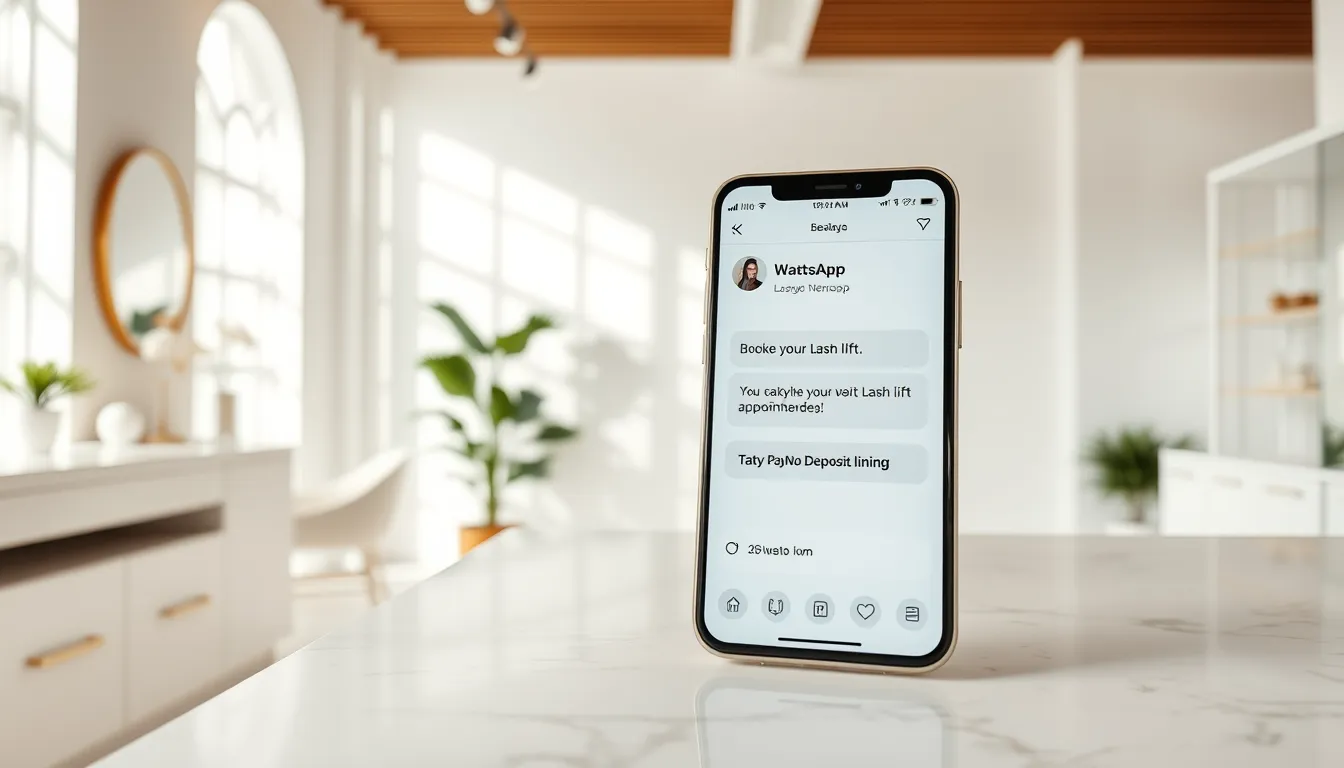
Customer: Hi, want to book lash lift next Friday 3pm
SmartFAQ: I have 3pm with Priya on Friday available. A deposit of $30 is required to hold the slot. Here is your PayNow link: [link]. The booking will confirm once payment is received.
Customer: [pays]
SmartFAQ: Your booking is confirmed — Friday at 3pm with Priya. See you then.
The deposit goes straight into your own PayNow-linked bank account. SmartFAQ never holds the money. Your refund policy — whatever it is — stays entirely in your hands. The AI can explain that policy to customers because you put it in your FAQ during setup.
What to check before choosing a WhatsApp booking system
Not every tool marketed as a "WhatsApp chatbot" actually handles bookings end to end. Here is a checklist to run through before committing:
Booking capability
- Does it check live availability, or just collect a date and pass it to you to confirm manually?
- Can it assign bookings to specific staff based on their schedule and service skills?
- Does it handle per-service deposits automatically?
Payment
- Does it support PayNow (the standard for Singapore SMEs)?
- Does the money go directly to your account, or through the vendor?
Language
- Can it reply in Mandarin or Malay if a customer writes in those languages?
- This matters if you serve heartland HDB areas or have a diverse client base.
Data and compliance
- Is customer data stored in Singapore?
- Is each business's data separate, or pooled across all users of the platform?
- Is it operated in line with PDPA principles? Can you export or delete your data?
Your existing number
- Some systems require you to migrate your current WhatsApp number, which disrupts existing contacts. Look for one that runs on a new dedicated number so your personal or business number is untouched.
Human takeover
- When a customer has an unusual request or a complaint, can a staff member jump in without the customer having to start over on another channel?
How SmartFAQ Assistant is set up for Singapore beauty salons
SmartFAQ Assistant is built specifically for appointment-based Singapore businesses — salons, spas, lash studios, aesthetics studios and similar. Here is what the setup covers:
| What gets configured | Detail |
|---|---|
| Your FAQ and price list | Aureus trains the AI on your services, prices, policies and FAQs |
| Staff roster | Per-staff hours, days off and which services each person does |
| Deposit rules | Which services need a deposit and what amount |
| Language auto-detection | Replies in English, Mandarin, Malay or Tamil based on the customer's message |
| Membership / package tracking | Balance statements and 30-day expiry reminders via WhatsApp |
| Booking page | A self-booking page customers can also use directly |
| Conversation inbox | Pro and Business plans — staff can read, reply and take over any chat |
Setup takes 3–5 business days. Aureus handles the training and configuration; you do not need a developer.
Plans relevant to most salons:
- Starter — $50/month: FAQ bot, lead capture, analytics. Good if you just want to stop answering the same 20 questions manually. Does not include bookings or deposits.
- Pro — $90/month: Adds bookings, PayNow deposits, memberships, conversation inbox and customer greetings. This is the plan that takes bookings and deposits.
- Business — $200/month: Up to 3 outlets, outbound messaging, multi-outlet routing.
One-time setup is $399 on every plan. If you want the AI to book into your own existing booking system, there is a calendar integration add-on at $400 one-time (available on Pro and above). No lock-in — month to month.
If you are looking for a standalone online booking system rather than a WhatsApp-first tool, Aureus also makes DiaryPilot, an online booking platform for appointment businesses starting from SGD 49/month with a 30-day free trial.
What happens to enquiries that the AI cannot answer?
This is the most common concern from salon owners: "What if it says something wrong?"
SmartFAQ only answers from the FAQ and price list you provide. If a customer asks something outside that — a complex allergy question, a complaint, a request for a custom package — the AI does not guess. It lets the customer know that a staff member will follow up, and the conversation appears in your inbox. You or your staff take it from there.
You stay in control of anything that needs a human call.
Is it worth it for a small salon?
Run your own numbers. If you currently have:
- 5 appointment slots per week that go empty because a customer booked and did not show, and each slot is worth $80 on average — that is $400 a week, $1,600 a month in empty chair time.
- 1 hour per day spent answering repetitive WhatsApp questions and confirming bookings — at your own time cost or a part-timer's wage.
The Pro plan at $90/month plus setup amortised over a year comes to roughly $123/month in year one. Whether it pays off depends on your own numbers, not a claim we make for you.
What is harder to put a number on: taking enquiries at 2 am when a customer just finished work and is ready to book, without you having to be awake.
Getting started
SmartFAQ Assistant runs on a dedicated WhatsApp number — a cheap prepaid SIM works fine. Your personal number and any existing WhatsApp contacts stay untouched.
If you want to see the plans in detail or ask a quick question about whether it fits your salon, see pricing at smartfaqassistant.com/#pricing or chat with us directly on WhatsApp at wa.me/6587784828. No hard sell — if it does not fit, we will tell you.
Related reading
Frequently asked questions
Can a WhatsApp booking system collect deposits for Singapore salons?
Yes. SmartFAQ Assistant sends customers a PayNow payment link during the booking conversation. The slot is held until payment is received and auto-releases if it is not. The money goes straight into the salon's own bank account — no third party holds it. The salon's own refund policy applies, and the AI can explain that policy because the owner adds it to the FAQ.
Does my salon need to change its WhatsApp number to use a booking system?
No. SmartFAQ Assistant runs on a separate dedicated number — most clients use a low-cost prepaid SIM. Your personal number or existing WhatsApp Business number stays completely untouched, along with all your current contacts and chat history.
What languages can the WhatsApp booking AI reply in?
SmartFAQ detects the language the customer writes in and replies accordingly — English, Mandarin, Malay, Tamil and more. This is useful for salons serving heartland Singapore customers who may message in Mandarin or Malay outside business hours.
What happens when a customer asks something the AI does not know?
SmartFAQ only answers from the FAQ, services and prices you provide. Anything outside that scope — a complex request or complaint — is flagged for your staff. The conversation appears in your inbox (Pro and Business plans) so a team member can take over without the customer needing to repeat themselves.
Is customer data stored in Singapore and is it PDPA-compliant?
Customer data is stored on a dedicated Singapore server, kept separate for each business, and never used to train AI models. You can export or delete your data at any time. SmartFAQ is operated in line with PDPA principles, though it does not hold a specific certification.
How long does it take to set up a WhatsApp booking system for my salon?
SmartFAQ Assistant goes live in 3–5 business days. Aureus Automation handles the full setup — training the AI on your FAQ and prices, configuring staff rosters, deposit rules, your booking page and the conversation inbox. You do not need a developer or technical knowledge.