WhatsApp Chatbot for Beauty Salons in Singapore
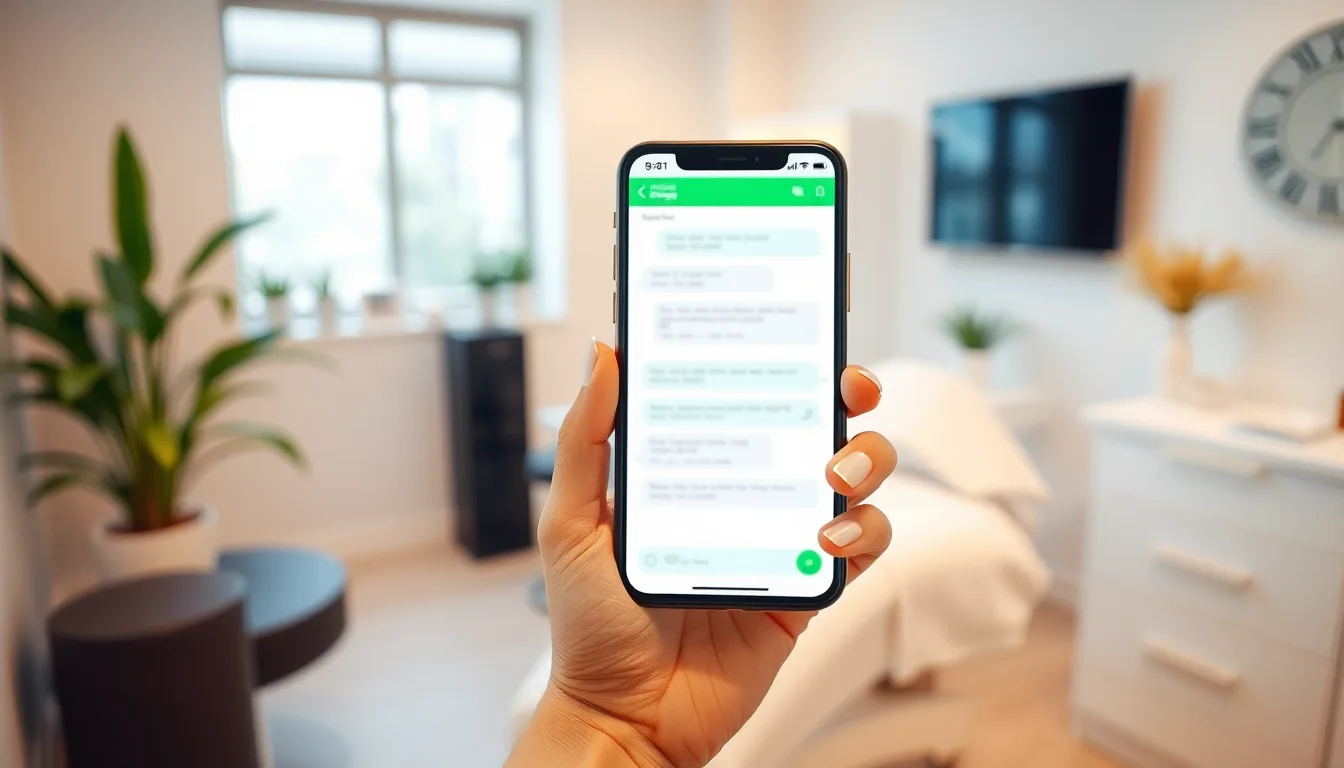
Why beauty salons in Singapore keep losing bookings on WhatsApp
If you run a beauty salon, lash studio or spa in Singapore, WhatsApp is probably your busiest front desk. Customers ask about prices, check slot availability, request specific therapists and — if you don't reply fast enough — book somewhere else.
The problem isn't that your team is bad at customer service. It's that WhatsApp doesn't pause when your hands are occupied with a set of lash extensions. Enquiries come in at 10 pm on a Tuesday and at 7 am before your first appointment. Answering the same 20 questions, every single day, for every new customer, is time your staff doesn't really have.
A WhatsApp chatbot for a beauty salon in Singapore changes that equation. Not by replacing your team, but by handling the predictable work so your team can focus on the chair.
Here's what that actually looks like in practice — and what to look for when choosing a solution.
What a salon WhatsApp chatbot should actually do
Not all WhatsApp automation is built the same. A generic chatbot sends keyword-triggered canned replies. A proper AI receptionist is trained on your services, prices and staff, handles natural conversation, and escalates to a human when it needs to. For a salon, the difference matters.
Here's what the core use cases look like in practice (illustrative chats, sample prices):
Customer asks about pricing at 11 pm:
Customer: Hi, how much for a classic full set lashes? Bot: Hi there! Our Classic Full Set is $68. We also have a Hybrid and Volume option — want me to share the full menu or book you a slot?
Customer wants to book:
Customer: Can I book Saturday afternoon with Rachel? Bot: Rachel has slots at 2 pm and 4 pm this Saturday. Which works for you? A $30 PayNow deposit holds the slot — I'll send you the payment link once you confirm.
That second example is doing a lot: checking live calendar availability per staff member, collecting a deposit over PayNow, and confirming the booking automatically when payment clears. The slot releases on its own if the customer doesn't pay — no manual chasing.
The features that matter most for Singapore beauty salons
24/7 FAQ replies trained on your own content
SmartFAQ Assistant is trained on your actual services, prices and policies — not a generic beauty industry template. So when a customer asks whether you do eyebrow embroidery or whether your products are vegan, the bot answers from your FAQ, not a guess. Anything outside what you've trained it on goes straight to your staff.
Live calendar booking with per-staff skills and hours
Your calendar reflects actual availability: which therapist handles which service, days off, blocked slots. Customers book in real time and get a confirmation. No double-bookings, no WhatsApp ping-pong to find a free slot.
PayNow deposit collection
No-shows are a real cost for salons. When a booking requires a deposit, SmartFAQ holds the slot and sends the customer a PayNow payment link. The booking confirms when they pay. If they don't pay within your set window, the slot releases automatically. Money goes directly into your business account — Aureus never holds it.
Quick example of the cost impact: If your average service is $80 and you have five empty slots a week from no-shows, that's $400 a week in lost revenue. A $20–$30 deposit doesn't guarantee perfect attendance, but it gives customers a reason to turn up, or to cancel early enough for you to fill the slot.
Digital membership and package tracking
Many salons sell 10-session packages or monthly memberships. Tracking those manually across WhatsApp, spreadsheets and group chats is painful. SmartFAQ tracks session balances digitally and sends customers their balance statement on WhatsApp. It also sends automatic expiry reminders 30 days before a package expires — so customers use their sessions, and you have one less awkward conversation to manage.
Multilingual replies
Your customers speak different languages. SmartFAQ detects the language the customer writes in and replies in kind — English, Mandarin, Malay, Tamil and more. For HDB heartland salons especially, this isn't a nice-to-have.
Human takeover when it counts
The bot isn't a wall between you and your customers. On Pro and Business plans, there's a conversation inbox where your team can read ongoing chats, reply directly and take over any conversation instantly. The customer experience stays smooth; your team stays in control.
How SmartFAQ Assistant compares to doing it manually
| Situation | Manual WhatsApp | SmartFAQ Assistant |
|---|---|---|
| Enquiry at 10 pm | No reply until morning | Instant reply, 24/7 |
| Booking while you're with a client | Missed or delayed | Booked automatically |
| New customer asks price | Staff types same answer again | Bot answers from your FAQ |
| Deposit collection | Manual PayNow request, chasing | Automated link, auto-confirms |
| Package balance check | Staff looks it up manually | Customer checks via WhatsApp |
| Customer writes in Mandarin | Depends on staff | Bot replies in Mandarin |
| Staff change or day off | Update WhatsApp manually | Update calendar, done |
What it costs — 2026 pricing in SGD
For most salons, the Pro plan at $90/month is the right starting point. It includes 2,000 AI replies per month, booking with PayNow and membership tracking, the conversation inbox, and birthday and anniversary greetings. There's a one-time setup fee of $399 — Aureus builds the whole thing for you and has it live within 3–5 business days.
If you're just starting out or want to test FAQ automation before adding bookings, the Starter plan at $50/month covers 1,000 AI replies with lead capture and analytics.
For salons with multiple outlets, the Business plan at $200/month handles up to three locations with multi-outlet routing and outbound conversations.
Overage is $0.05 per AI reply. A typical customer chat uses 3–4 replies, so 2,000 replies covers roughly 500–600 conversations a month.
Each plan runs month to month. No lock-in, no annual commitment required.
Getting started: what the setup looks like
You don't need to be technical to set this up. Here's how the process works:
- Get a dedicated number — most clients use a cheap prepaid SIM. Your personal number and existing business WhatsApp stay completely untouched.
- Share your services, prices and FAQs — Aureus uses this to train the AI on your specific salon.
- Set up your calendar — staff members, services each handles, working hours, days off.
- Review and go live — Aureus builds the dashboard, booking page and inbox. Typical turnaround is 3–5 business days.
Your customer data sits on a dedicated Singapore server, is never shared across businesses and is never used to train AI models. You can export or delete it any time. The setup is operated in line with PDPA principles.
Common concerns, answered honestly
"My customers want to talk to a real person." They still can. The bot handles the repetitive questions and bookings instantly — which is actually what most customers want at 10 pm. Any chat can be taken over by staff from the inbox.
"What if it says something wrong?" SmartFAQ answers from your own FAQ and prices. If a customer asks something outside of that, the bot flags it for your team rather than guessing.
"Do I need to set up the WhatsApp Business API?" SmartFAQ runs on a dedicated WhatsApp number. Aureus handles the technical setup — you just need the SIM.
If you're a Singapore beauty salon owner still answering the same WhatsApp questions at midnight, it's worth seeing what automating that layer actually looks like for your setup. Check the plans at smartfaqassistant.com/#pricing or chat with the team directly on WhatsApp at wa.me/6587784828.
Frequently asked questions
How does a WhatsApp chatbot help a beauty salon with bookings?
A WhatsApp chatbot for a beauty salon handles appointment requests automatically — it checks live staff availability, confirms the slot with the customer, and can collect a PayNow deposit to hold the booking. This works 24/7, so enquiries outside your opening hours don't go unanswered and bookings don't depend on a staff member being available to reply.
Can the chatbot collect deposits via PayNow before confirming a booking?
Yes. SmartFAQ Assistant can hold a calendar slot and send the customer a PayNow payment link. The booking only confirms once they pay. If they don't pay within the window you set, the slot releases automatically. The money goes straight to your business account — no third party holds it.
Will the WhatsApp bot understand customers who write in Chinese or Malay?
SmartFAQ detects the language the customer writes in and replies in the same language — English, Mandarin, Malay, Tamil and more. So whether your customer writes in English or Chinese, they get a natural reply without any manual intervention from your team.
How much does a WhatsApp chatbot cost for a Singapore beauty salon?
SmartFAQ Assistant starts at $50/month (Starter) for FAQ replies and lead capture, or $90/month (Pro) which adds calendar booking, PayNow deposits and membership tracking. There's a one-time setup fee of $399. Plans run month to month with no lock-in.
Does my existing business WhatsApp number get affected?
No. SmartFAQ runs on a dedicated WhatsApp number — most salon owners use a cheap prepaid SIM for this. Your personal number and any existing WhatsApp accounts stay completely separate and untouched.
How long does it take to set up a WhatsApp chatbot for my salon?
Aureus Automation typically has SmartFAQ Assistant live within 3–5 business days. They handle the AI training, calendar setup, booking page and dashboard — you share your services, prices and FAQs, and they build the rest.